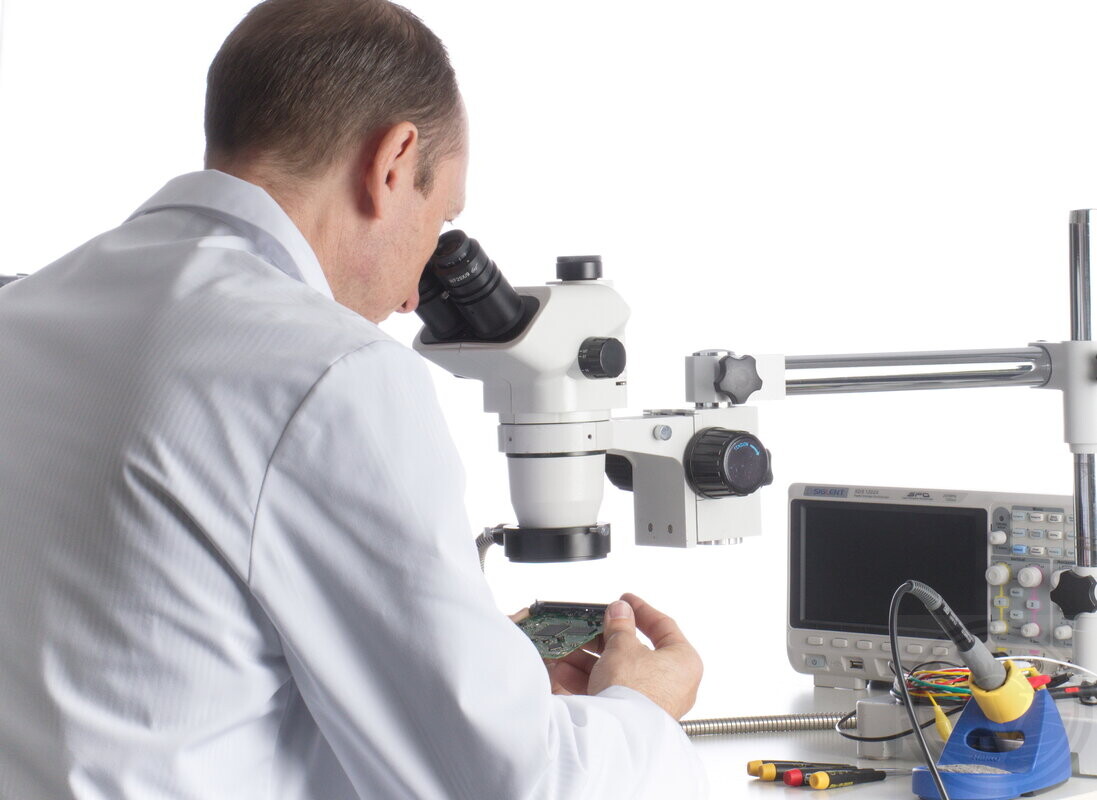
What happens after you request an evaluation
Evaluation → Quote → You decide
Evaluation does not commit you to recovery.
-
Handled in-house: Your drive never leaves our lab
-
Direct explanation: We explain what’s wrong and what can be done next.
If the drive is clicking, beeping, or freezing the system when connected — stop using it.
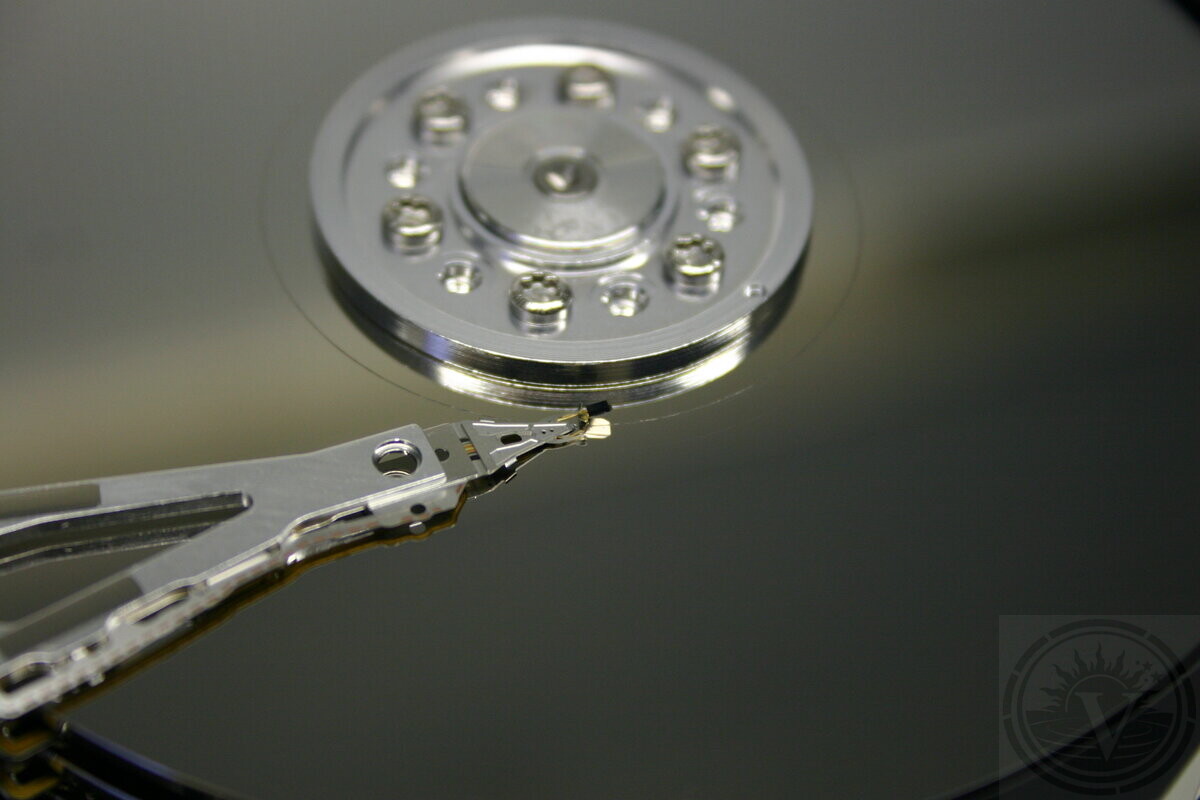
How hard drive failures usually present
Hard drives rarely fail all at once. A “sudden” failure is often the moment the drive stops responding. The damage has typically been progressing unnoticed before that.
This is how failing drives usually arrive at the lab:
-
The drive becomes intermittently accessible or increasingly slow. Reading a few files doesn’t mean the drive is stable.
-
The system freezes or hangs during file access. The drive keeps struggling with bad sectors.
-
Files open with errors or behave inconsistently. Corruption often starts before total failure.
-
Folders appear empty, incomplete, or disappear. File structure damage often happens before files disappear.
-
The drive appears as RAW or unformatted. The file system structure is broken.
-
The drive is detected but cannot be mounted. A drive can show up and still be unreadable.
-
Unusual sounds such as repeated seeking, clicking, or failed spin-up. Those noises mean the mechanics are already failing.
Symptoms don’t tell you what is physically wrong inside the drive. Acting on them can destroy recoverable data.
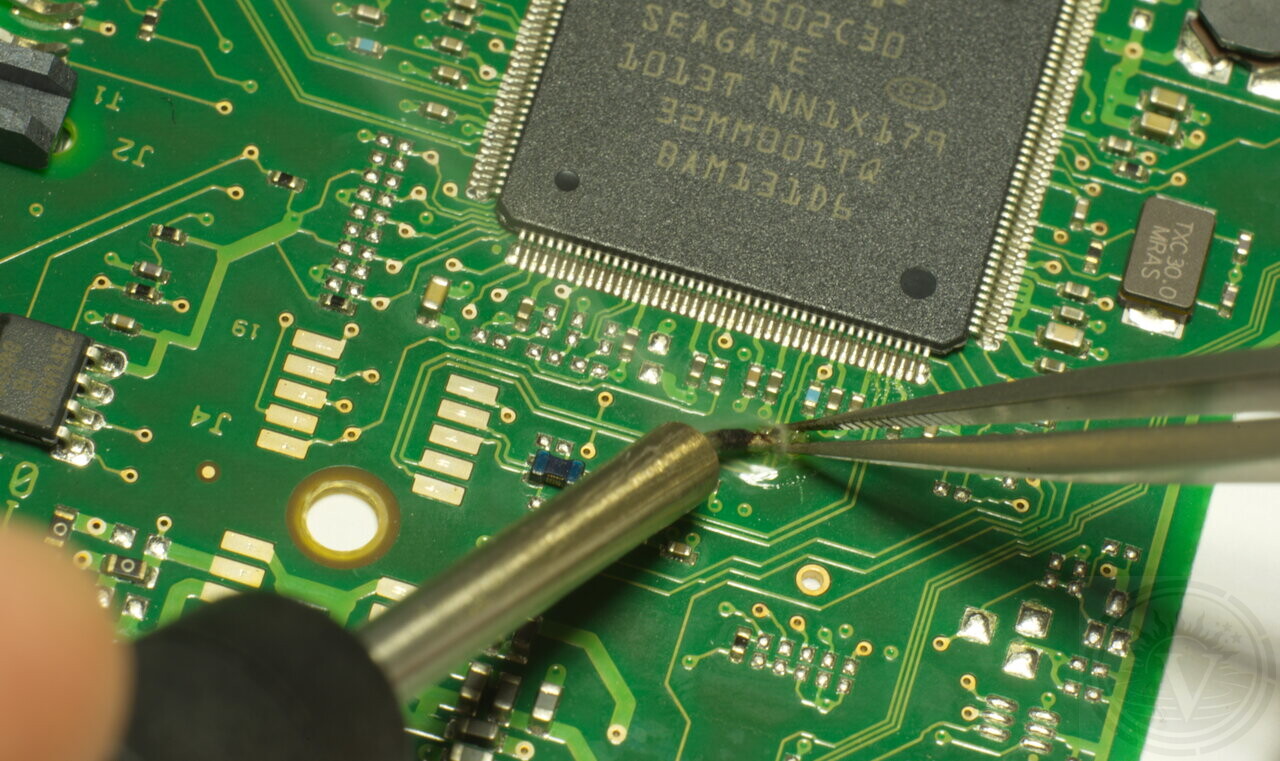
Before a hard drive reaches a recovery lab
A drive can remain partially accessible for days or weeks. What looks like a sudden failure is usually the end of a longer, gradual decline.
By the time a drive reaches a lab, it has usually been accessed repeatedly. Restarts, software attempts, or prior IT intervention often happened first.
The system was restarted multiple times.
The drive appeared intermittently or became very slow.
File access errors started appearing.
Files became inaccessible, missing, or appeared corrupted.
Recovery software was used.
An IT technician examined the drive.
The drive eventually stopped being detected.
The drive's initial failure symptoms don't matter anymore. What matters now is its current condition. Previous attempts don’t dictate the outcome. Recovery success becomes clear only during the actual process.
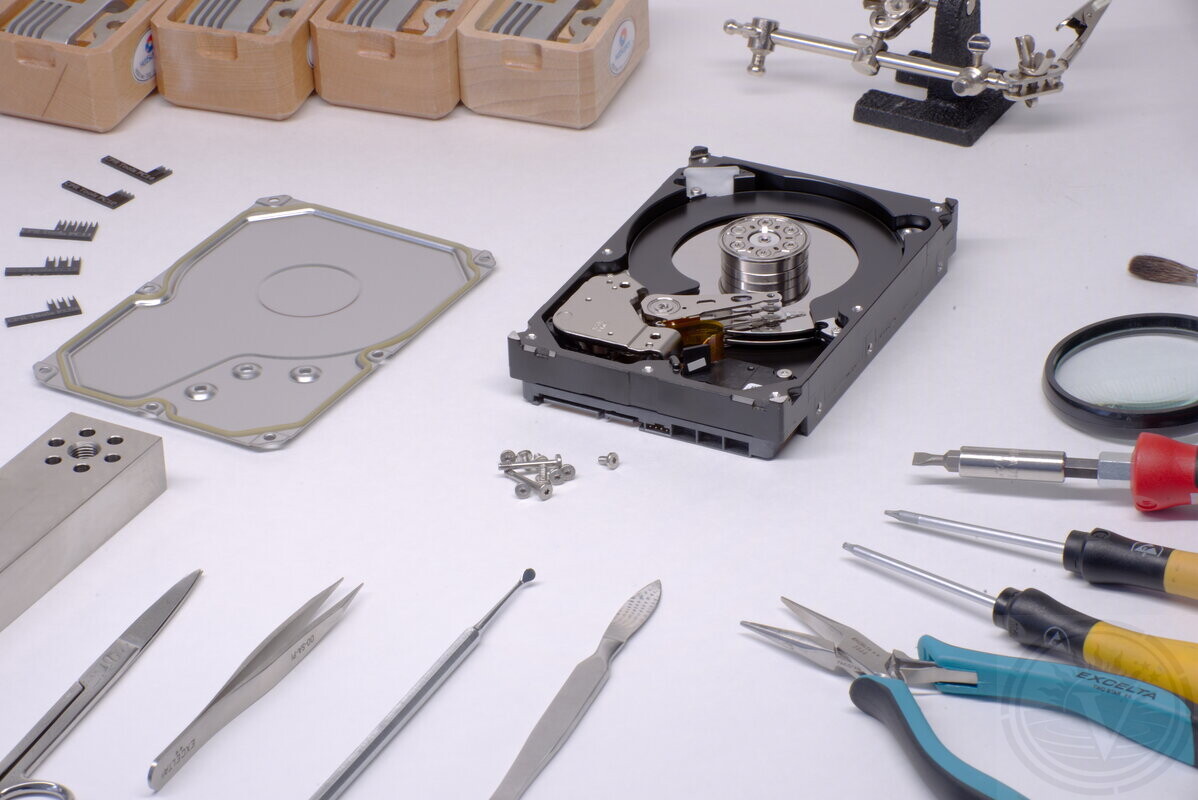
When a hard drive is dropped or hit
A fall or sudden impact can damage a hard drive even if it still powers on afterward. Physical damage does not always cause immediate failure. A drive may appear to work while internal damage is already present.
If the drive was dropped while running, act as if it’s mechanically damaged until proven otherwise.
-
A drive may spin up normally after a drop but degrade rapidly with continued access
-
Clicking, scraping, or repeated seeking often indicate the mechanics are already failing
-
Repeated power cycles after a shock increase the risk of irreversible surface damage
After a physical impact, the safest action is to stop powering the drive. Continued testing or “checking if it still works” often causes more damage than the fall itself.
Why a dropped drive may ask to be formatted
A format prompt is not a fix. It is Windows telling you it cannot read the file system.
After a physical shock, a drive may still be detected, but critical file system metadata can become unreadable. When this happens, the operating system reports the volume as RAW or “unformatted”.
Formatting at this stage does not repair the problem. It overwrites metadata structures that may still be partially recoverable and makes recovery harder.
Why hard drive recovery requires lab handling
Hard drive recovery is not an extension of computer repair. An unstable drive may power on, identify correctly, or mount briefly. That does not mean it is safe to access.
Operating systems keep reading and retrying in the background. On unstable drives this quietly makes the condition worse and often ends with the drive failing completely.
Modern hard drives leave very little room for error. As recording density increases, even normal read attempts can stress weak areas. What was barely readable can become unreadable after repeated access.
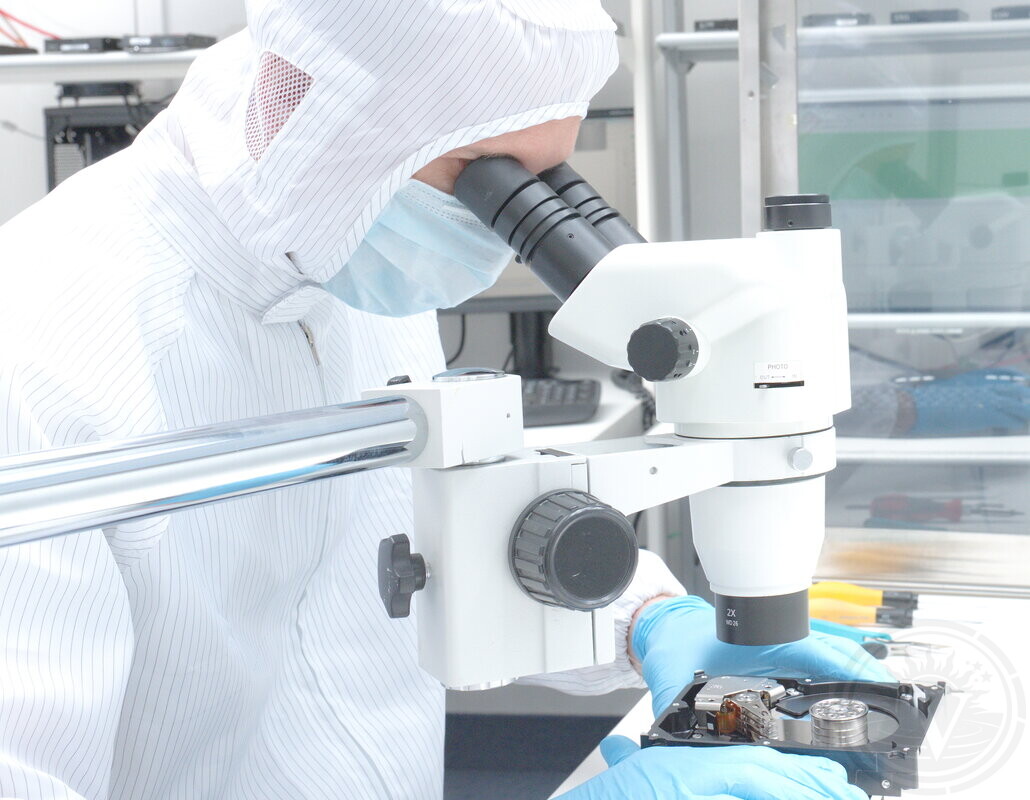
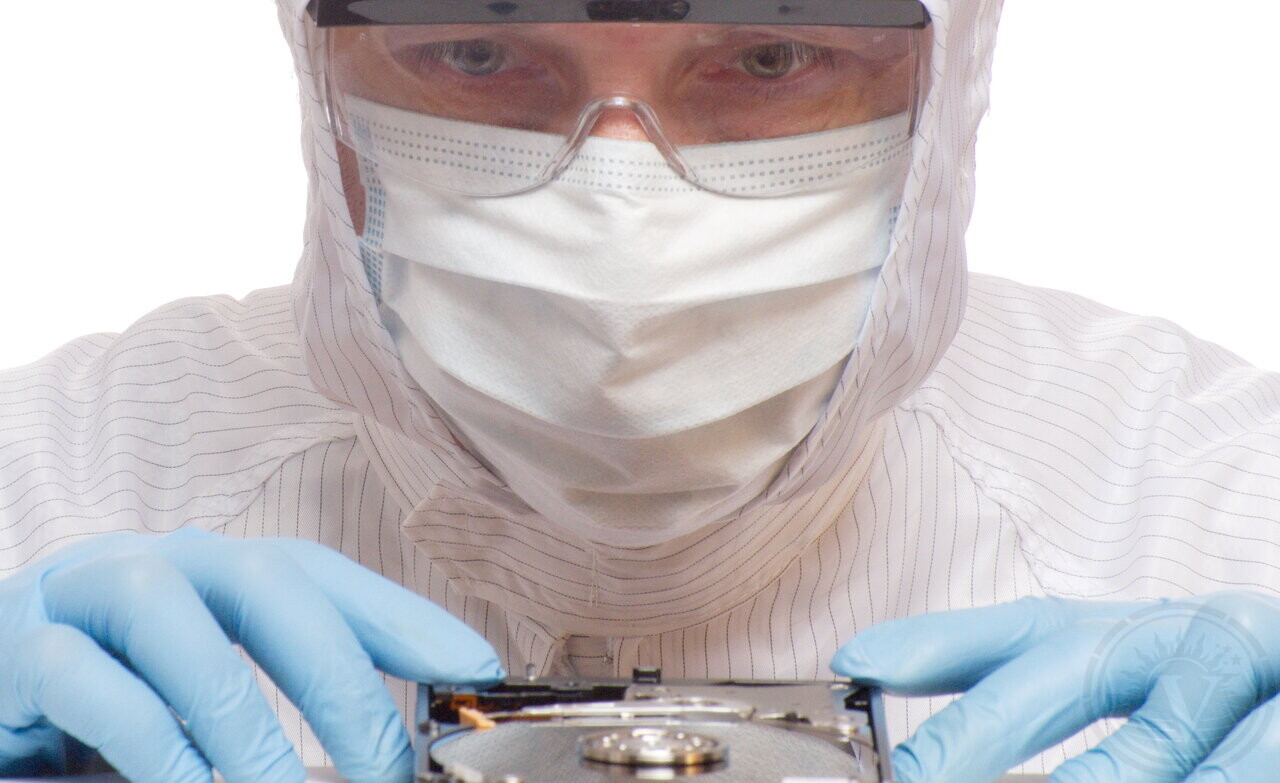
At that point, it can’t be handled safely outside a lab. Mechanical work must be performed under a Class 100 (ISO 5) clean bench. This keeps dust from damaging the platters and heads.
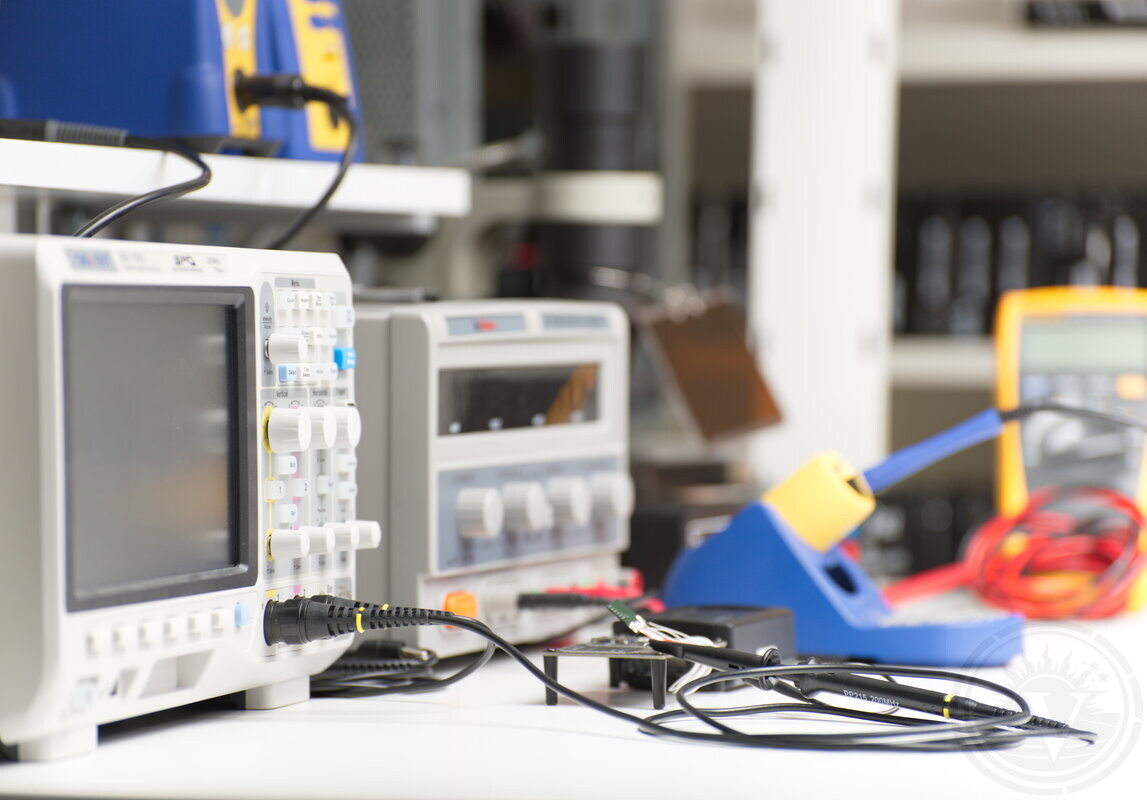
Recovery also requires tools not used in normal computing environments. This includes PC-3000 systems for firmware-level access, imaging hardware, precision mechanical alignment tools, and optical inspection using stereo microscopes.
You are not paying for copying files. You are paying for time, tools, and judgment needed to extract data while limiting further damage as much as possible.
Consumer IT services focus on accessing working storage. Recovery labs focus on limiting damage to failing storage. These goals are not compatible.
Evaluation comes first
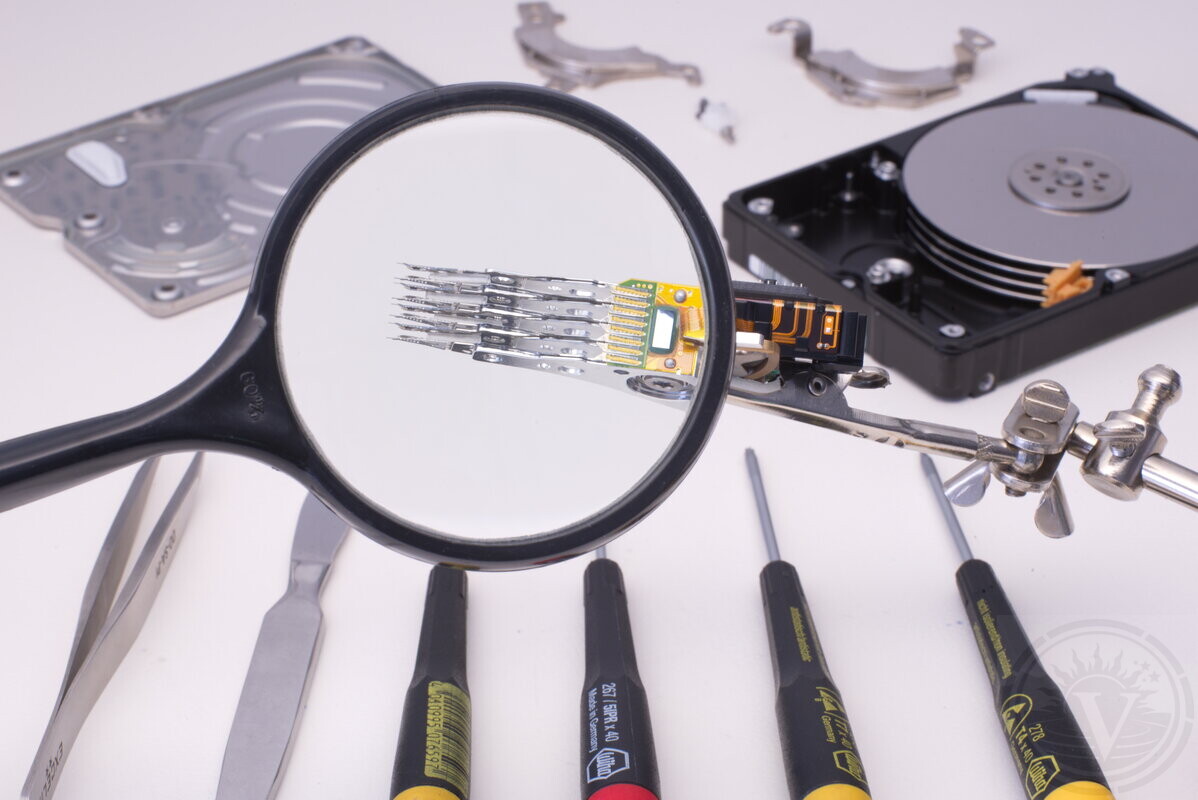
Evaluation starts with inspection in our lab. Evaluation is where we understand what failed and what recovery would involve.
We regularly evaluate hard drives affected by: • Not detected or not mounting • Clicking or other abnormal mechanical sounds • Firmware issues and file system corruption • Accidental deletion or formatting • Electrical damage (power surge, failed PCB) • Physical damage (drops, liquid exposure, heat)
After evaluation, we explain what the problem is and provide a recovery quote. That quote is fixed for the work described. No recovery work begins without your approval. If data cannot be recovered, there is no recovery fee.
What determines whether recovery is possible
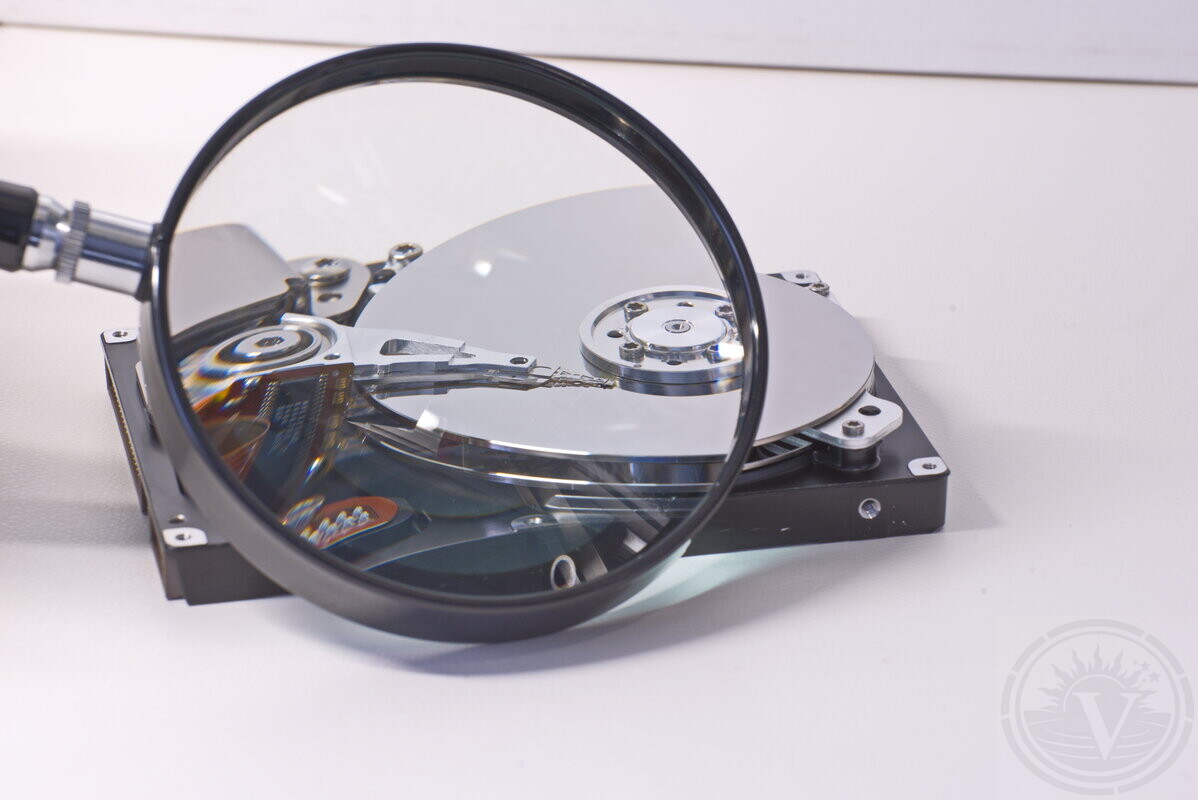
Symptoms alone don’t tell you if recovery will work. What matters is the drive’s internal condition at the moment recovery is attempted.
In practice, it depends on three things:
-
Whether the drive can be read at all
-
Whether the drive is degrading too fast
-
Whether the drive’s critical internal metadata are still intact and accessible
System messages don’t show these problems. They are observed only during in-lab recovery.
What recovery cannot promise in advance
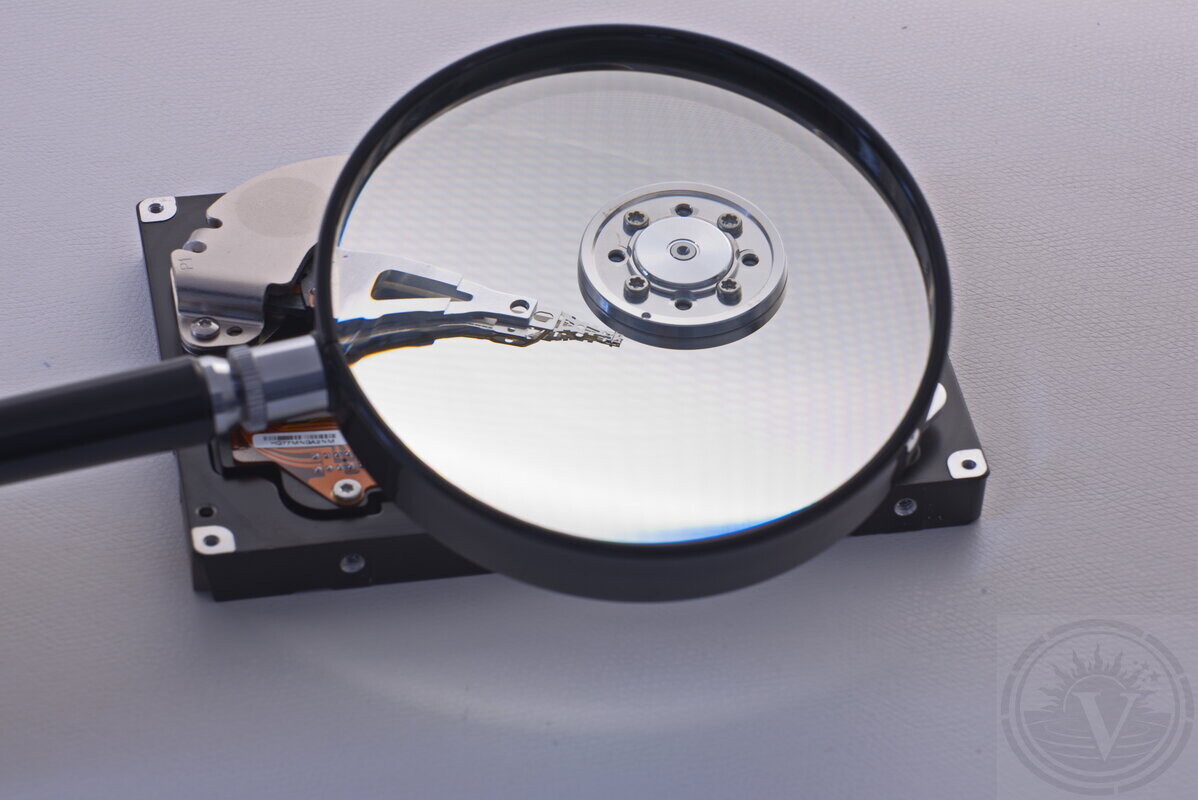
Lab work is careful, but outcomes can’t be predicted in advance. Identical symptoms can come from different internal problems and tolerate access differently.
For this reason, professional recovery cannot promise in advance:
-
that all data can be recovered in every case
-
that recovered data will be complete or free of corruption
-
that access to unstable media is risk-free
-
that a timeline can be accurate before evaluation
The actual recovery outcome becomes clear only as the work progresses. It depends on how the drive behaves under controlled access and what remains readable in practice.
Hard Drive Data Recovery Service in Montreal
How recovery is performed in our laboratory
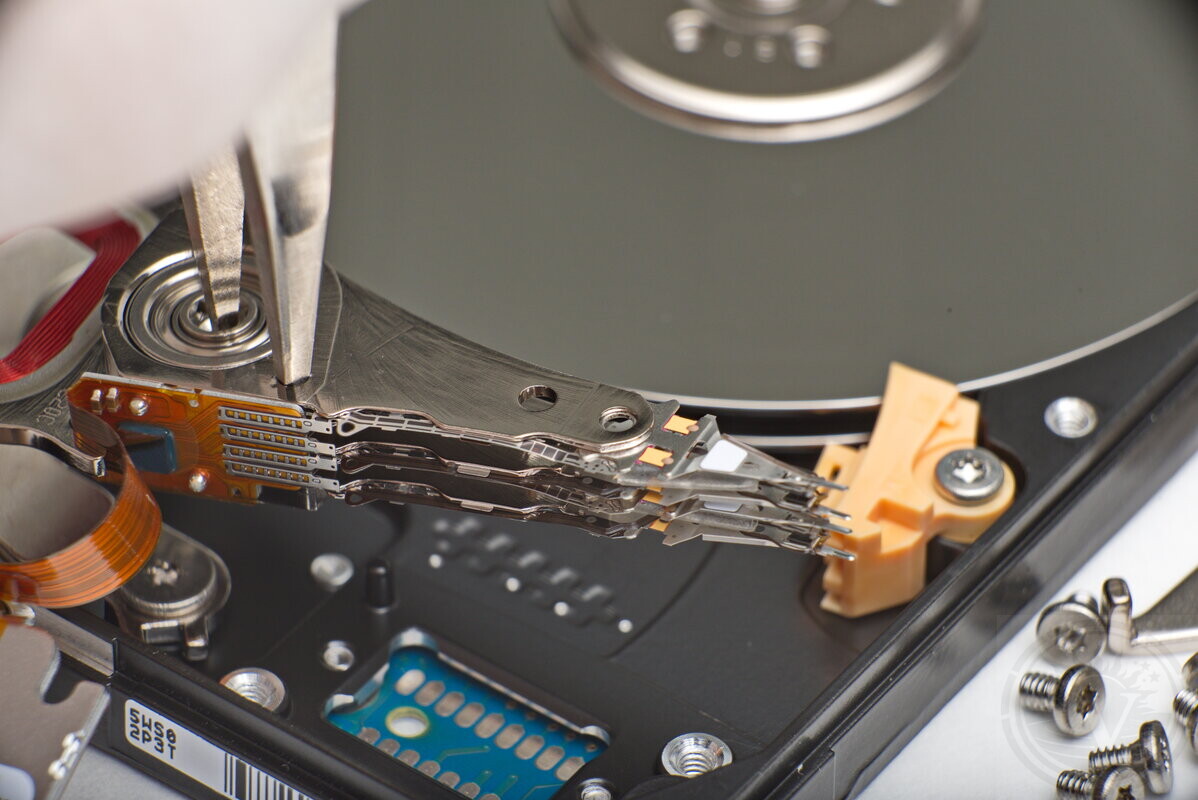
Recovery work begins only after evaluation shows what actually failed. Evaluation defines the work. Recovery produces the result. From that point on, the recovery approach is chosen based on that understanding, with the goal of limiting further stress on the original drive.
Our lab handles HDD recovery across mechanical, electronic, firmware, and file system failure layers. This includes head replacement, platter transplant in cases of spindle or motor failure, PCB and power regulation repair, ROM and adaptive data handling, platter-level imaging and unstable media acquisition, and file system reconstruction with deleted data recovery from verified images, all performed on PC-3000 systems under ISO 5 clean bench conditions.
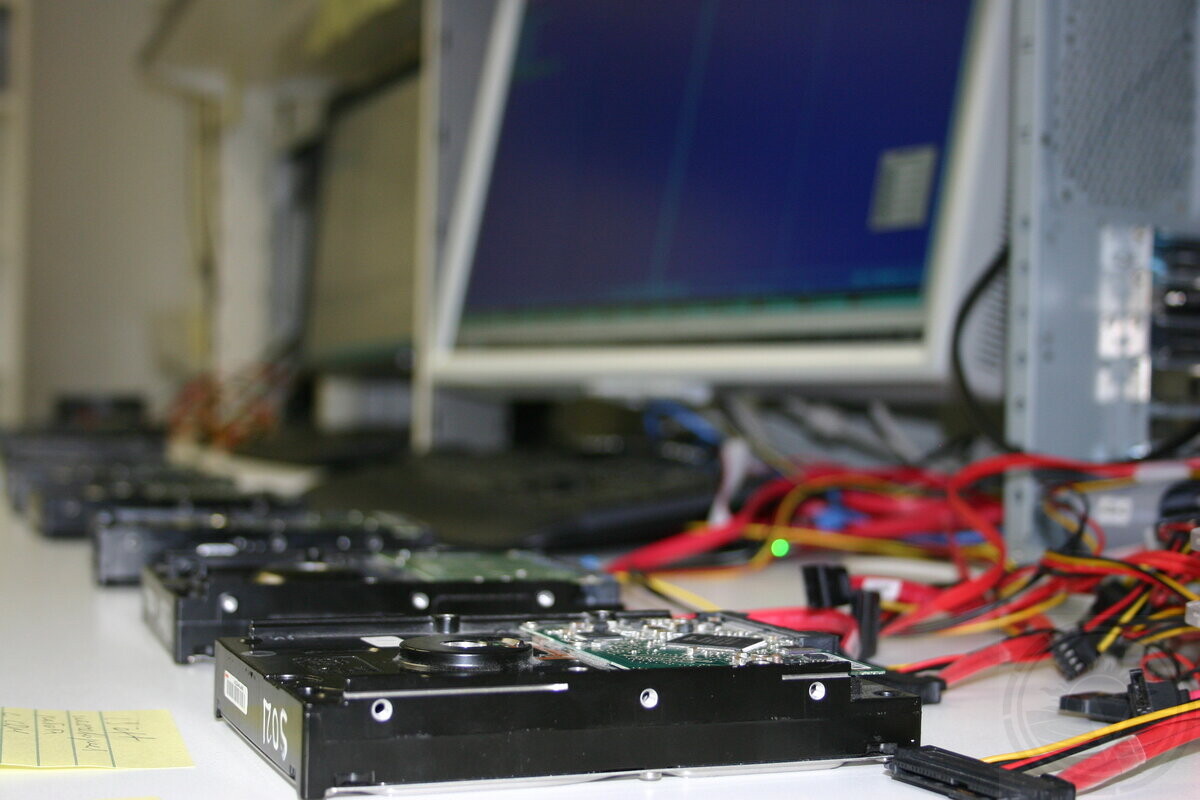
The first step is making the drive readable in a controlled way. From there, we capture as much data as the drive’s condition allows. This is done using specialized equipment designed to avoid unnecessary reads and limit stress on unstable media.
File extraction is performed from the image, not from the original device. This allows reconstruction and extraction without repeated access to the failing drive.
Recovered data is checked for basic integrity and structural consistency. A file list or representative directory structure is then provided for review.
You review the list to confirm that the required data has been restored. Once confirmed, final payment is made. The recovered data is delivered on a new storage device.
Handling unstable HDD
Mechanical HDD failures are often time-limited and non-uniform. Surface damage is not all-or-nothing. It can range from microscopic degradation to severe wear across the platters.
Some areas may remain readable while others deteriorate quickly. In these cases, the difference between recovery and permanent loss can be very narrow.
What matters is not the symptom itself, but how the drive is accessed and how much tolerance it still has in real time.
We focus on imaging, not browsing files on the failing drive.
We manage timeouts and hang behavior to avoid endless retries.
When tolerance drops, we prioritize valuable areas instead of forcing full reads.
These decisions are case-dependent. They only become clear while working with the drive in the lab.
If recovery was already attempted
Some drives arrive after one or more recovery attempts were made elsewhere. This is common and does not automatically mean the data is lost.
However, when a drive has already been worked on by another recovery company, simple cases are usually no longer on the table. These situations almost always fall into the complex or very complex category.
Prior attempts can change how a drive behaves. This is why these cases are evaluated individually and handled with additional care.
Even if access was already attempted, we can still examine the drive in the lab and explain what remains technically possible.
Data security and confidentiality
For many cases, the concern is not only whether recovery is possible. It is also where the device is handled and who has access to the data.
In our work, confidentiality is enforced by how the process is structured:
-
Single-location handling — the drive never leaves our lab
-
Access limited to the specialists working on your case
-
Copies are created only when required for recovery or verification
-
Recovered data is returned on a new storage device and is not retained longer than necessary unless requested
For cases with specific privacy or compliance needs, access limits and handling steps are defined before evaluation begins.
Hard drives we work with
Whether installed in a personal computer, a server, or a recording system, hard drives share the same internal design. Failure mechanisms are inside the drive. They are not defined by where the drive was used.
Internal drives from desktops, laptops, and workstations.
External drives used for backup, transport, or temporary storage.
NAS drives used in multi-user and RAID environments.
Enterprise drives used in servers, databases, and virtualization.
Surveillance drives from DVR and NVR systems.
Embedded systems with customized storage layouts.
Common brands include Seagate, Western Digital, Toshiba, and HGST.
What affects recovery cost
A hard drive may be physically small and appear simple, but in reality, it is a highly sophisticated device. Working with it requires deep technical knowledge, experience, and time. The final price is set after the drive is evaluated. It reflects the specific work, including any preparation necessary before data reading can begin.
Data volume alone does not determine cost. A small drive and a large drive can require the same amount of work when the failure is the same.
Some drives can be read with relative stability once access is gained. Others require frequent stops and careful adjustments to avoid making the condition worse.
Each case is different, and pricing reflects that.
What happens next
The data recovery process is simple:
-
Bring the drive in or ship it to our lab.
-
In-lab evaluation to understand the problem and what recovery may require.
-
A quote is provided before you decide whether to proceed.
-
The work starts only with approval. Recovered data is returned on a new storage device.
Professional recovery starts with evaluation
Operational track record
-
Operating since 2003: Continuous in-lab data recovery operations in Montreal.
-
Devices processed: Thousands of HDD, SSD, RAID, and flash devices evaluated and recovered.
-
In-house laboratory only: All work performed locally in our Montreal lab.
-
No outsourcing policy: Devices are not sent to third-party facilities.
Trusted on Google.


How to Get Started
Please fill out our Request Evaluation form first. Then drop off your device at our Montreal lab in NDG, or send it via Purolator or Canada Post.
Most evaluations are completed within 24 hours. After evaluation, we explain what failed, what recovery may involve, and provide a fixed quote. Then you decide how to proceed. What can be recovered becomes clear during recovery.
Request Evaluation