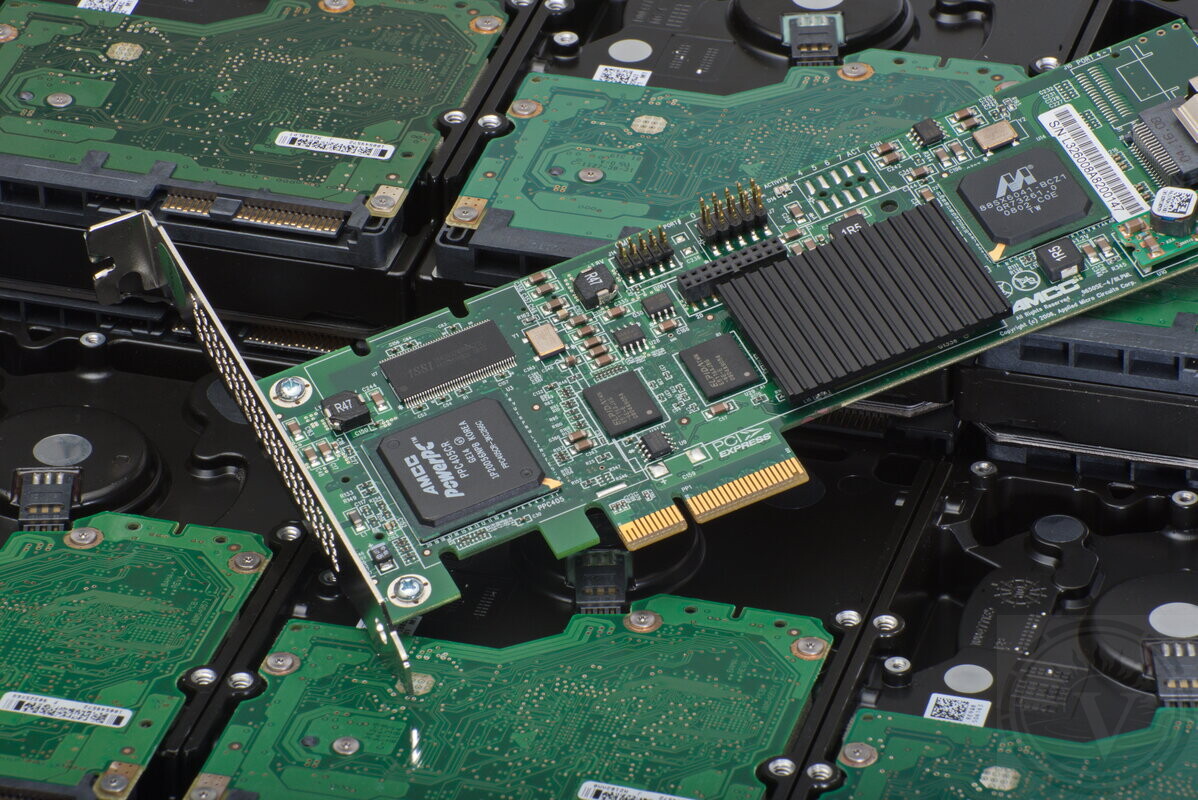
RAID cases receive priority handling
RAID failures typically involve business systems and production environments. For this reason, we treat RAID recoveries as high-priority lab cases.
These failures disrupt operations — not just technical access. When redundancy is exceeded and the array goes offline, recovery shifts from "fixing" to extraction.
If your NAS or RAID won't mount or is unstable — this guidance applies to all brands and platforms.
How different RAID levels typically collapse
-
RAID5: runs in degraded mode after first failure. Complete outage usually occurs only when a second drive fails.
-
RAID6: survives two drive failures. Total failure happens only when three or more members drop.
-
Mirrors (RAID1): failures follow two patterns. One drive stays online while spreading read errors to its mirror, or both fail simultaneously.
-
Stripes (RAID0): no redundancy. One failed disk immediately breaks the entire RAID.
Once the array stops, RAID level alone doesn't determine recoverability. Physical drive condition, failure pattern, and post-outage actions matter more.
RAID provides redundancy, but it does not protect against multiple drive failures, controller issues, or logical corruption. Recovery then requires lab reconstruction, not standard IT tools.
Common RAID and NAS situations
These scenarios typically bring arrays to recovery. Success depends on what drives can still read and how intact the logical structure remains — not just error messages.
-
Degraded array: one drive dropped, unstable reads, rebuild in progress or suggested.
-
NAS offline: multiple drives missing or repeatedly disconnecting.
-
Virtualized storage: VMFS, Hyper-V, ZFS, mdadm, or Storage Spaces layered on top.
-
Repair attempt: "initialize", "repair", or new volume creation already performed.
First steps after a RAID failure
Next actions after RAID failure often determine recoverability. Repeated access, forced rebuilds, and configuration changes can destroy partially readable data.
Recovery priority: preserve current state, not "fix" the array. Further stress on weakened drives must be minimized.
Actions that maximize recovery chances:
-
Stop all activity — especially writes.
-
Check remaining drive health (SMART, reallocated sectors, slow reads). Stressed drives often cascade during rebuild attempts.
-
Don't replace drives or rebuild until array parameters are confirmed. Wrong rebuilds in multi-drive failures usually cause permanent loss.
-
Never accept "initialize", "repair", or "re-create" prompts after power loss. These modify metadata critical for reconstruction.
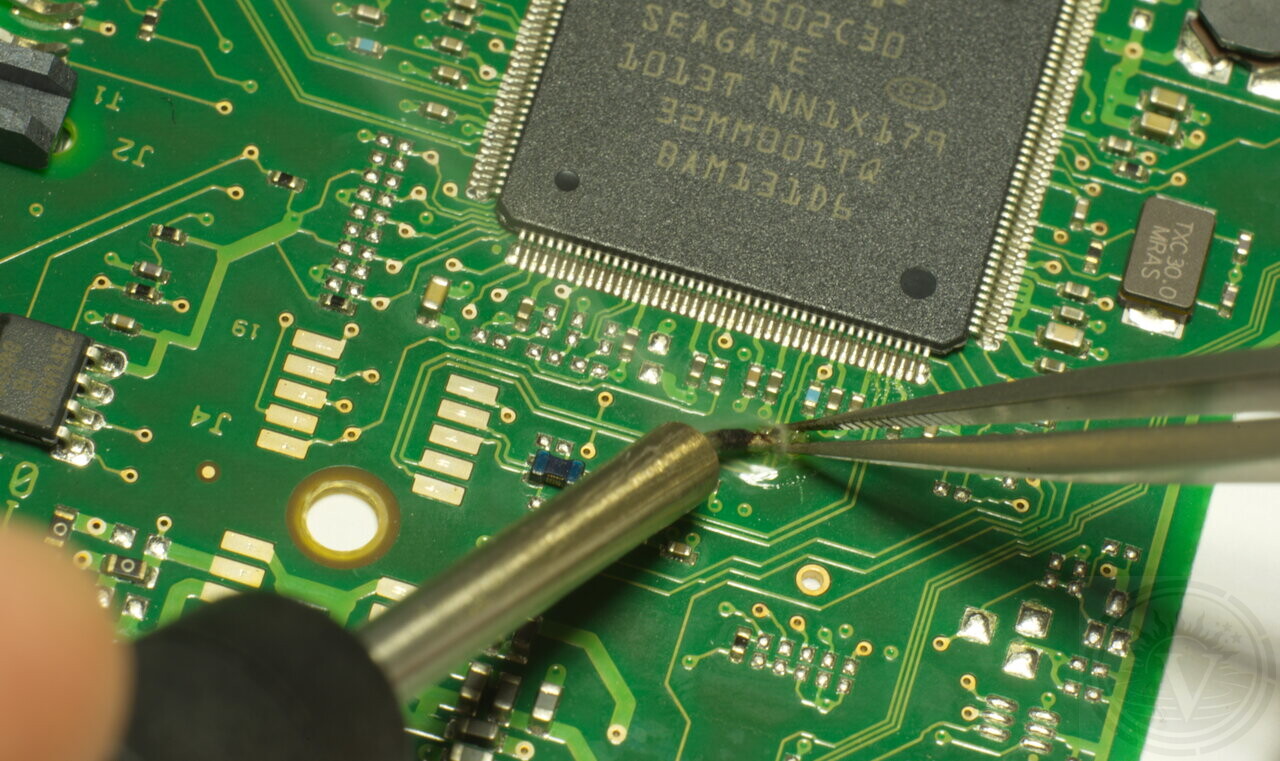
Correct IT actions can shift recovery from simple → complex
IT-standard actions destroy recovery chances when drives have little margin left.
Degraded arrays have zero tolerance for production-style operations. Rebuilds, scrubs, and integrity checks overload remaining drives, triggering secondary failures that make recovery far more complex and expensive.
Rebuild: stresses weakest drive with constant reads/retries.
Re-create: overwrites reconstruction-critical metadata.
Repair tools: rewrite filesystem before safe imaging.
Blind cloning: wastes time on bad zones, triggers dropouts.
Goal: extract readable data before total array failure, not make RAID run again.
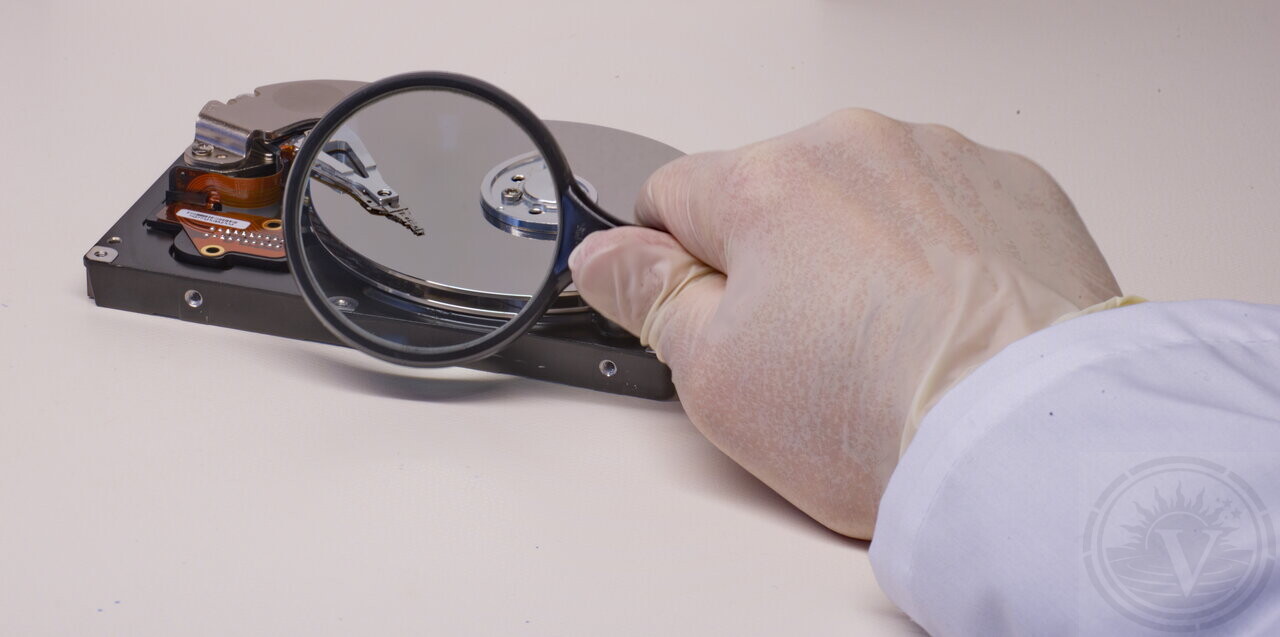
Evaluation → Quote → You decide
RAID recovery preserves array state above all else. Success depends on drive readability and metadata condition when work begins.
Evaluation is risk-free: we identify failure mode, confirm feasibility, provide fixed quote.
-
Montreal lab only: drives never leave single facility.
-
Clear explanation: what failed, recovery impact, safest path forward.
Degraded/rebuilding array? Stop writes. Stop rebuilds immediately.
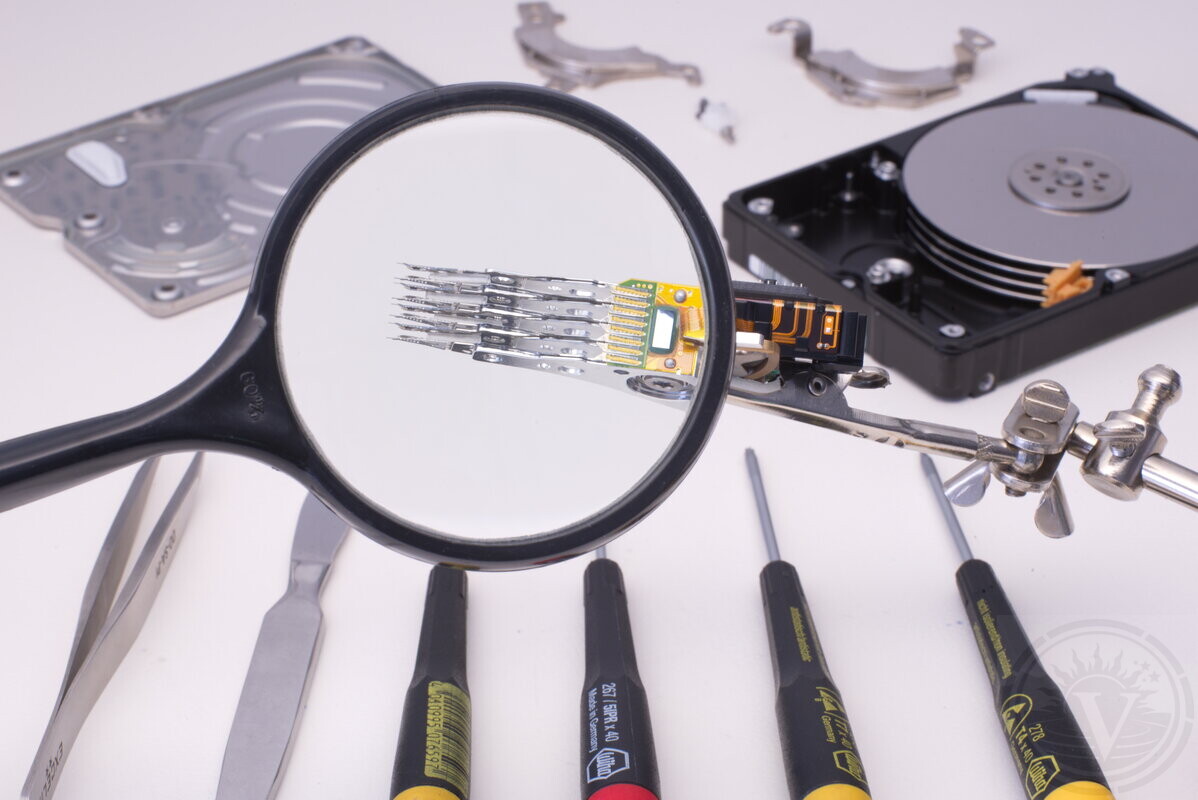
Evaluation comes first
Evaluation begins with lab inspection to identify failure and scope recovery work.
No file list exists during evaluation — reconstruction hasn't started. Directories/files appear only after virtual array rebuild.
Post-evaluation: clear problem explanation + fixed quote for described work. No recovery starts without approval. No recovery possible = no fee.
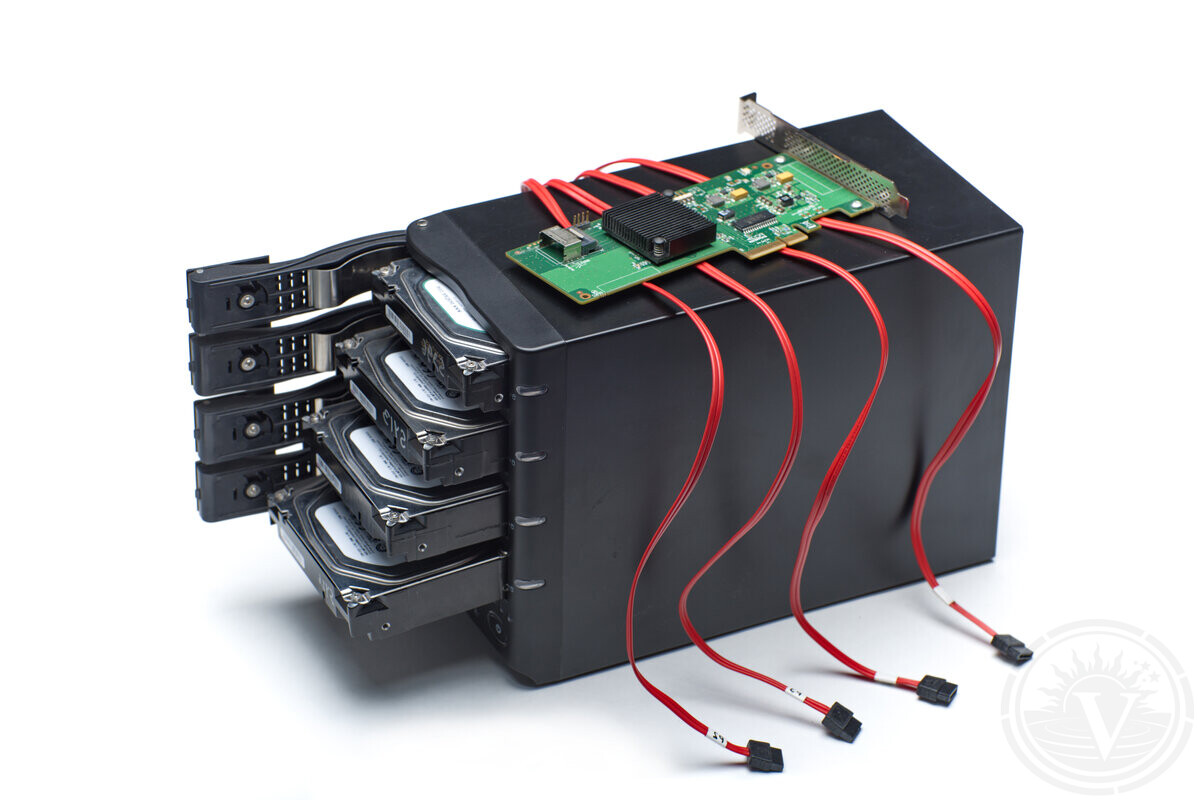
What helps RAID evaluation
These details reduce guesswork and speed assessment (unknown parameters found in-lab).
-
RAID parameters: level, member count, nested layouts (RAID10/50/60).
-
Hardware: controller/NAS model.
-
Drive order: bay mapping or labels.
-
Timeline: when degradation started, what happened before outage.
-
Layers: virtualization (VMFS/Hyper-V/ZFS/mdadm/Storage Spaces).
-
Encryption: BitLocker status + key availability.
This info doesn't replace evaluation but enables decisions based on facts, not assumptions.
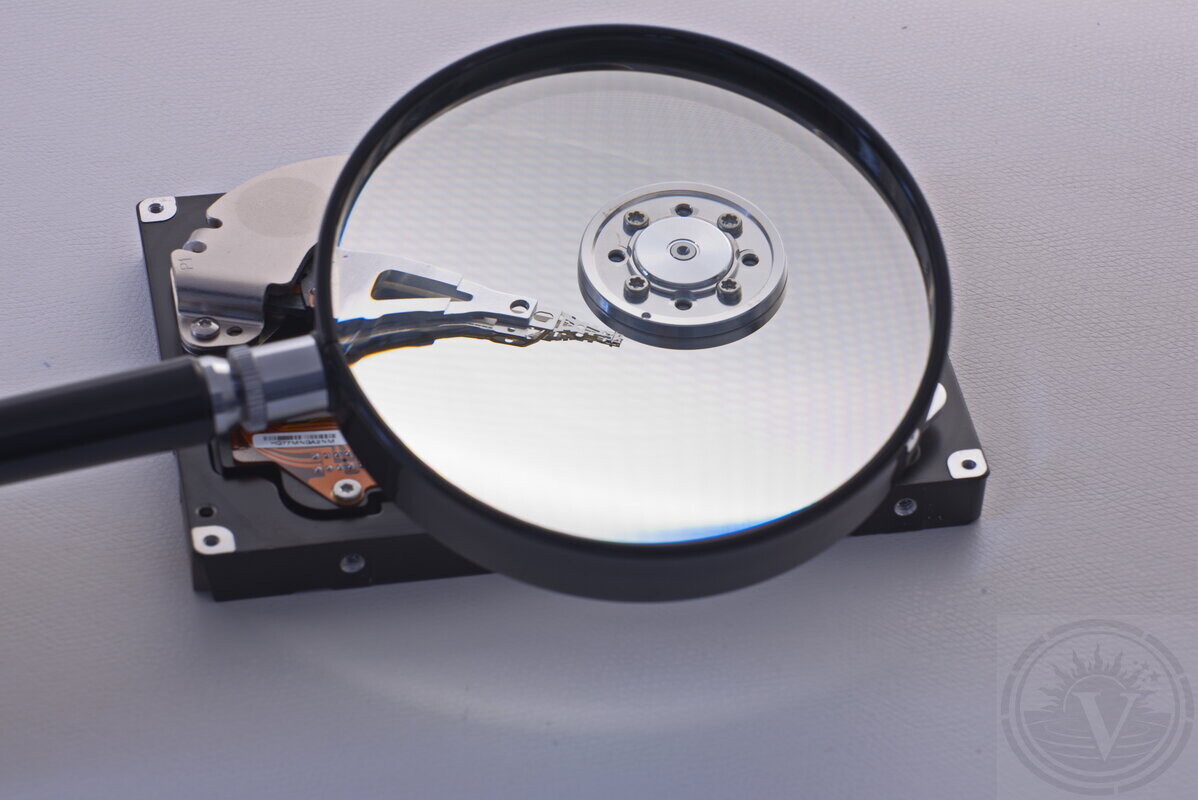
What we cannot guarantee upfront
Recovery outcomes vary by drive condition and metadata survival — no two cases identical.
100% complete recovery.
Exact timelines before evaluation.
Zero corruption in all files.
Drive stability during work.
What we guarantee: evaluation → clear quote → your decision to proceed or stop.
RAID Data Recovery Service in Montreal
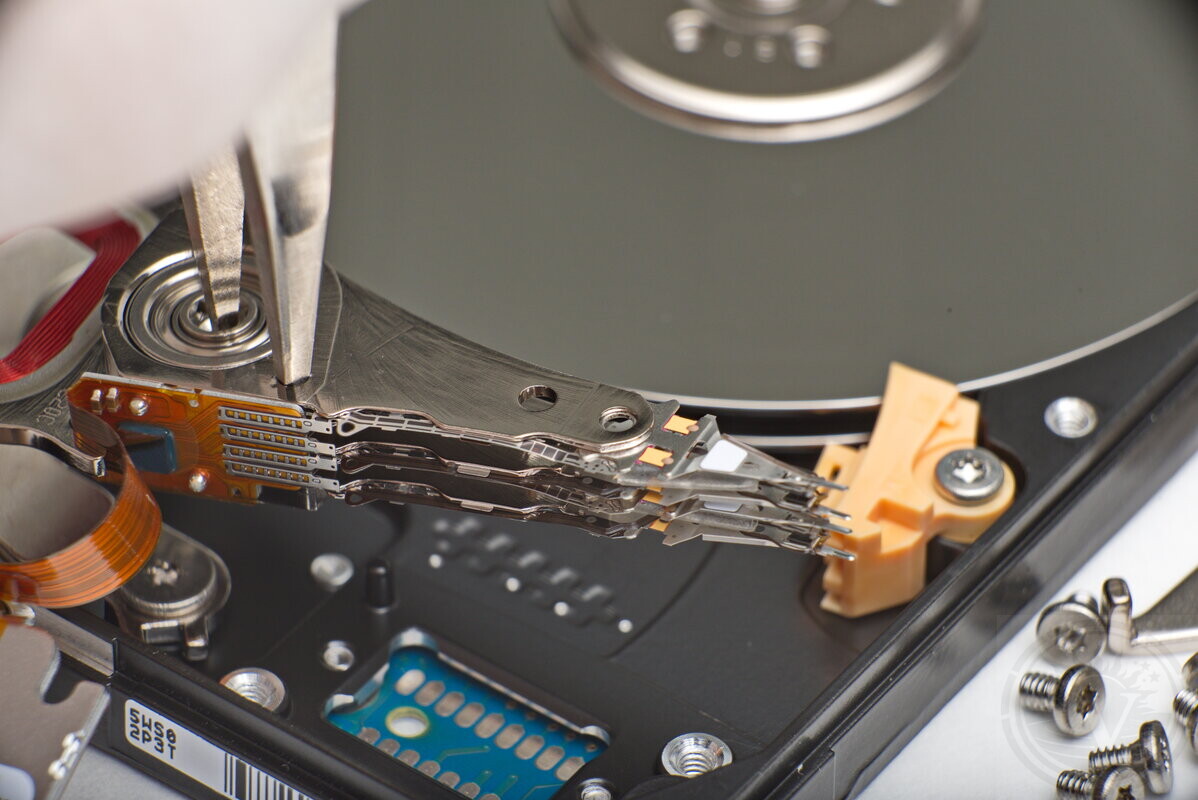
Lab RAID recovery process
Recovery starts with drive isolation for controlled read-only access. Goal: capture all readable data before unstable drives fail completely.
-
Individual imaging: each member handled separately to prevent cascade.
-
Adaptive reads: timeouts/retries tuned to real-time drive behavior.
-
Virtual rebuild: array reconstructed in RAM, not on original drives.
-
Target extraction: files pulled from virtual volume after reconstruction.
This minimizes stress on failing drives while maximizing data extraction.
RAID recovery success hinges on controlled access during initial reads and specialist judgment.
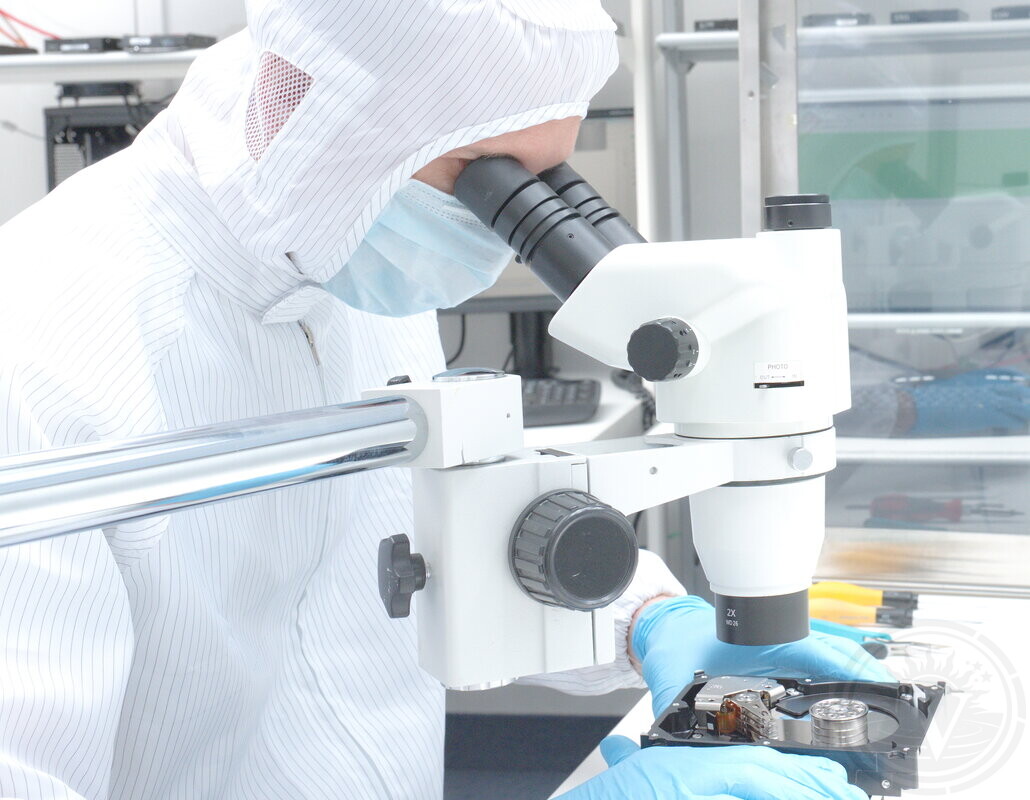
Data security & control
Business RAID cases prioritize both recoverability and handling chain.
Single facility: Montreal lab only.
Restricted access: case specialists only.
Minimal copies: only as needed for recovery.
Controlled retention: deleted when no longer required.
Special compliance needs (NDA, access limits)? Defined before evaluation starts.
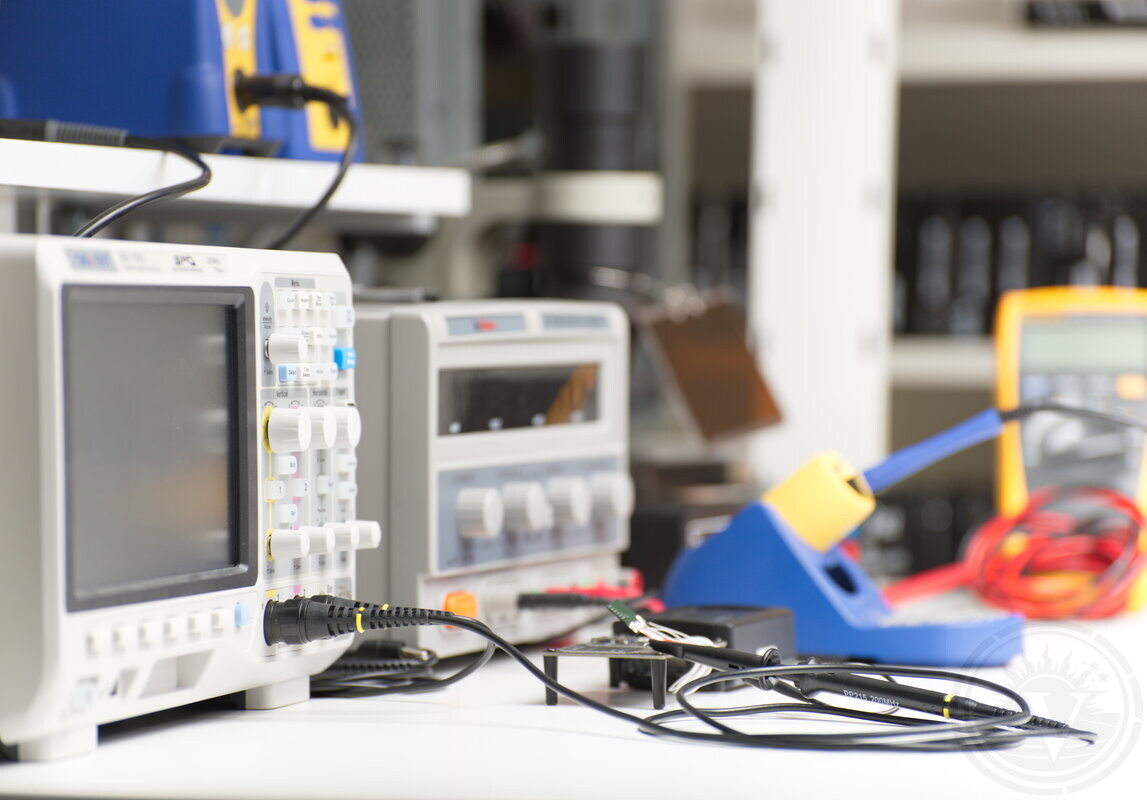
What determines RAID recovery cost
Cost set post-evaluation: RAID complexity comes from drive condition and layers, not capacity.
Drive failures: number and severity of unstable members.
Imaging needs: timeouts, hangs, dropouts requiring special handling.
Rebuild complexity: order/stripe/parity/vendor metadata.
Extra layers: VMFS/ZFS/encryption/snapshots.
Quote fixed after evaluation. No work starts without approval.
What happens next
Array members stay in our Montreal lab. No shipping, no outsourcing.
-
Evaluation reveals:What actually failed (beyond controller reports)
-
Quote reflects real work. You approve scope or stop.
-
Recovery: controlled imaging → virtual rebuild → extraction
Professional recovery starts with evaluation
Operational track record
-
Operating since 2003: Continuous in-lab data recovery operations in Montreal.
-
Devices processed: Thousands of HDD, SSD, RAID, and flash devices evaluated and recovered.
-
In-house laboratory only: All work performed locally in our Montreal lab.
-
No outsourcing policy: Devices are not sent to third-party facilities.
Trusted on Google.


How to Get Started
Please fill out our Request Evaluation form first. Then drop off your device at our Montreal lab in NDG, or send it via Purolator or Canada Post.
Most evaluations are completed within 24 hours. After evaluation, we explain what failed, what recovery may involve, and provide a fixed quote. Then you decide how to proceed. What can be recovered becomes clear during recovery.
Request Evaluation