When a Drive Fails — What Happens Next
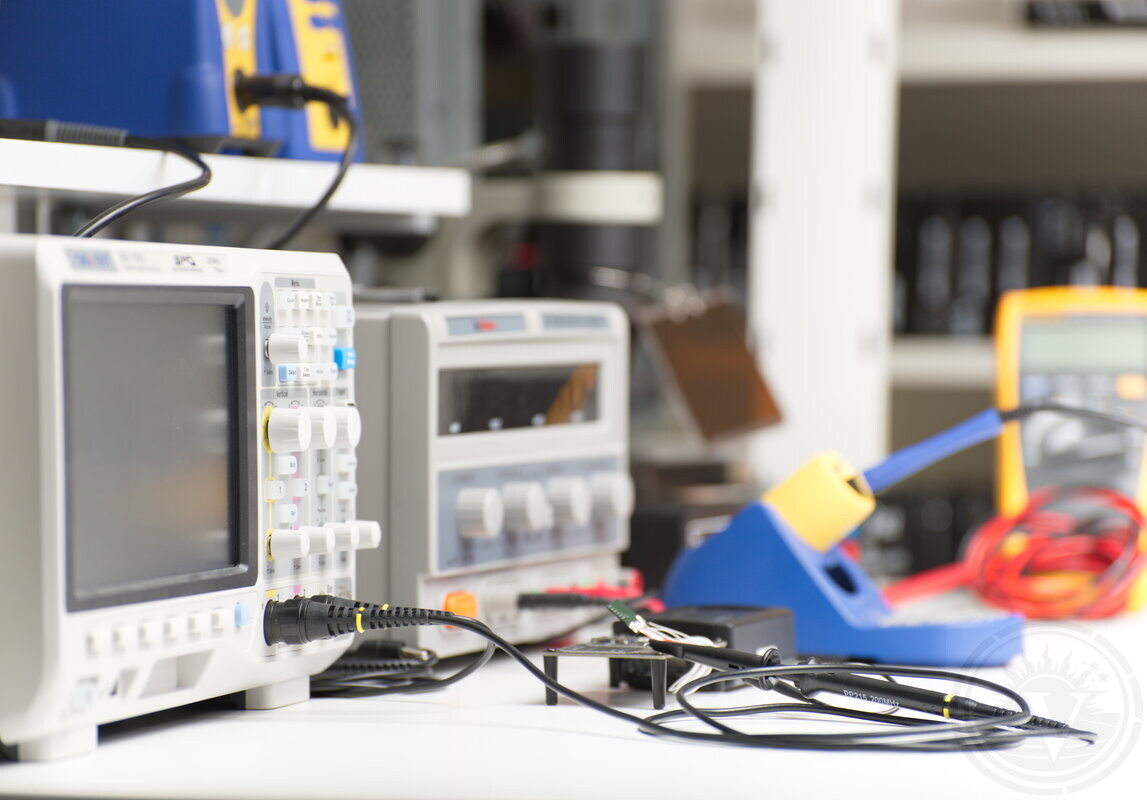
HDD clicks and won't spin up. SSD files vanish. Every power attempt cuts recovery odds. Get help from Montreal data recovery specialists.
Vital Data Recovery runs an in-house Montreal laboratory — no drop-off forwarding, no shipping outside Quebec. The Montreal lab is reachable from Laval via Highways 13 or 15 in 15–25 minutes depending on traffic, with direct access to the recovery team.
Our Recovery Process
1. Initial assessment — non-destructive diagnosis before any recovery work
2. Fixed quote — cost provided immediately after diagnosis
3. Your decision — approve work or stop here
4. Stabilization + controlled imaging — only after your approval
5. File list — verify recovered data before final delivery
Payment: No data recovered = no charge.
HDD/SSD Failures We Handle
HDD: Clicking, not detected, slow access → head stabilization → sector imaging → data extraction
SSD: Controller failure, intermittent detection → chip-off or NAND read
Controlled imaging is used to capture readable sectors while minimizing additional stress on the device before data extraction.
Montreal Lab vs Regional Drop-Offs
Greater Montreal has few true data recovery labs. Most search results = drop-off points shipping drives outside Quebec/Canada.
Our Montreal lab: Operating since 2003. Laval/North Shore — direct lab access via Highways 15/13, no shipping delays.
User Errors That Kill Recovery
Power cycling HDDs → head crashes
DIY software → sector overwrites
RAID rebuilds → parity destruction
Devices following prior recovery attempts are often in a degraded state. Previous handling may introduce additional instability, reduce readable areas, or complicate internal structures, resulting in lower recovery chances.
Data Recovery Case: LaCie Cloudbox 3TB NAS in Laval
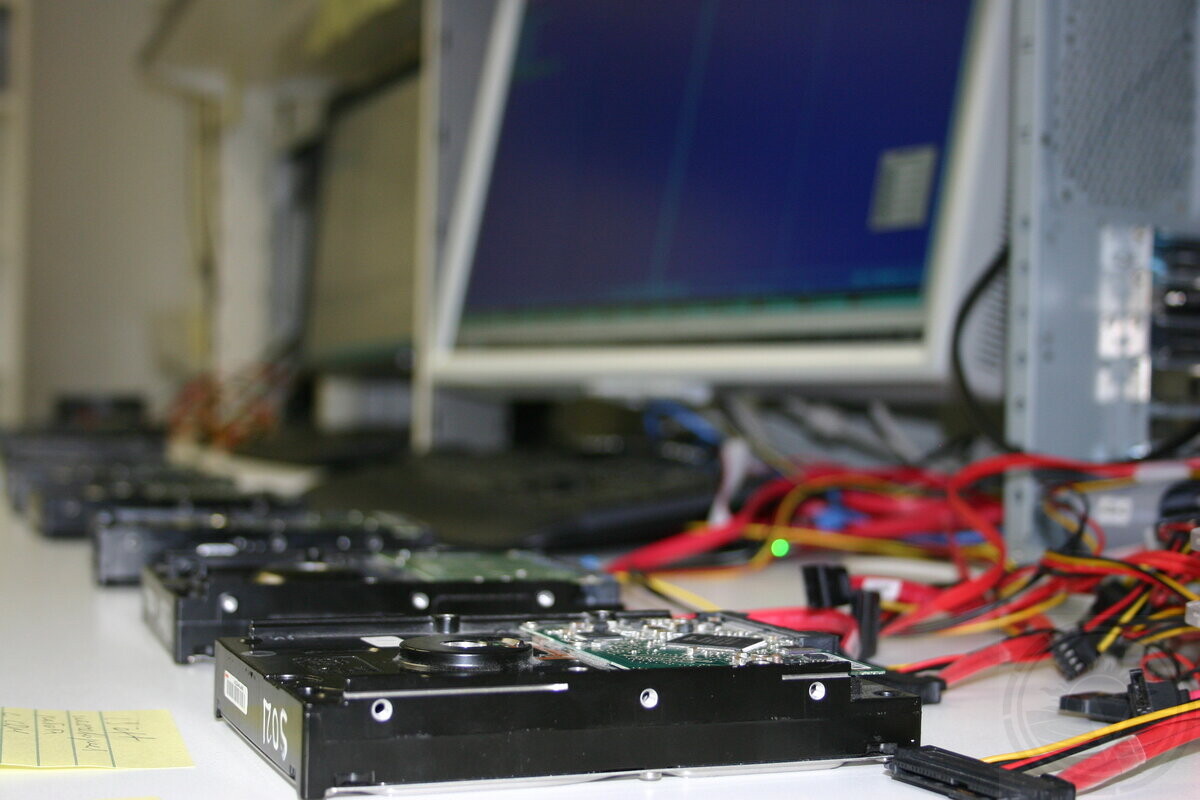
Device Overview
This recovery case involved a LaCie Cloudbox NAS with a 3TB Seagate hard drive, used in a Linux-based storage environment.
Initial Issue
The unit had been non-functional for about a year. When powered on, it only showed a flashing blue light and did not boot properly or become accessible over the network.
The symptoms were consistent with logical corruption, most likely involving a damaged partition table or file system structure.
Previous Attempts
Before bringing the device in, the client attempted recovery using TestDisk and GParted in Linux through a SATA dock.
Those efforts did not produce usable results, possibly due to sector size translation issues between 512-byte and 4096-byte reporting, which can affect partition detection.
Recovery Priorities
The client provided very specific priorities to protect the most important data:
Critical priority: any folder containing the word “Template” or any files inside folders referencing “Template”
High priority: folders containing mixed *.xml and *.txt files
High priority: photo libraries and image collections
Lower priority: all remaining data, unless the partition table could be fully rebuilt
Excluded Data
The following data types were explicitly excluded from recovery:
Video files such as *.dmg, *.avi, *.mkv, *.mov, and *.m4v
Any movie folders
Dropbox folders
PDFs, PowerPoints, and similar document files
Work Performed
We performed a full diagnostic of the drive, analyzed the Linux partition structure, and attempted to reconstruct the partition table.
We then focused on extracting only the most important user data based on the client’s priority list.
Failure Type
This was a logical failure involving damaged partition information and file system metadata.
Outcome
The recovery process was centered on preserving the client’s most critical business and personal data, especially the “Template” folders, structured text/XML data, and photo libraries.
Local Note
This case was handled for a client in Laval, Quebec, where clear communication, confidentiality, and reliable data recovery are especially important for both personal and business storage needs.
Professional recovery starts with evaluation
Operational track record
-
Operating since 2003: Continuous in-lab data recovery operations in Montreal.
-
Devices processed: Thousands of HDD, SSD, RAID, and flash devices evaluated and recovered.
-
In-house laboratory only: All work performed locally in our Montreal lab.
-
No outsourcing policy: Devices are not sent to third-party facilities.
Trusted on Google.


How to Get Started
Please fill out our Request Evaluation form first. Then drop off your device at our Montreal lab in NDG, or send it via Purolator or Canada Post.
Most evaluations are completed within 24 hours. After evaluation, we explain what failed, what recovery may involve, and provide a fixed quote. Then you decide how to proceed. What can be recovered becomes clear during recovery.
Request Evaluation