Data Recovery in Brossard
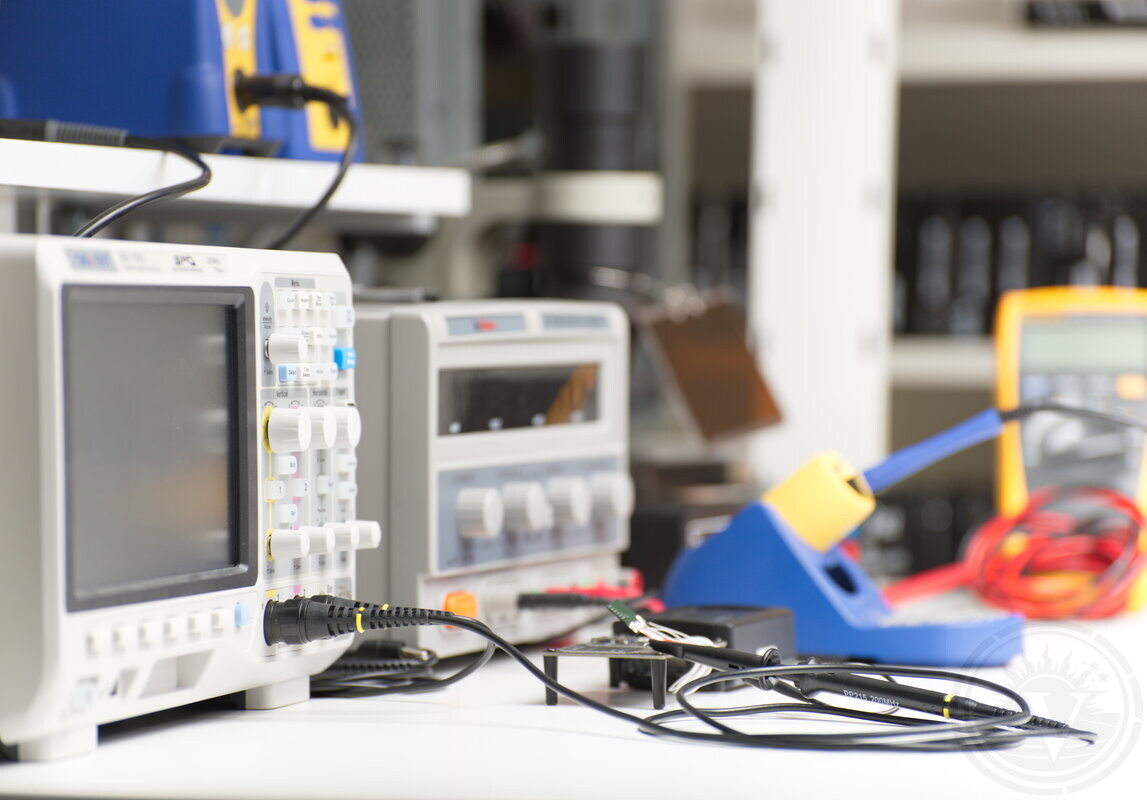
Vital Data Recovery provides professional data recovery services for Brossard and the South Shore from a controlled laboratory environment in Montreal.
We work with failed, unstable, and damaged storage devices using a diagnostic-based, case-specific recovery process.
We perform a free diagnostic assessment before any recovery work.
Access from Brossard and the South Shore
Reaching Montreal from Brossard can be difficult due to bridge traffic, peak hours, and limited access routes, which can make even short trips unpredictable.
If travel across the bridges is inconvenient, the device can be sent using Purolator or Canada Post. It is received and checked in at the lab, with a diagnostic evaluation typically completed within 24–48 hours. An estimate is then provided.
Devices can also be brought in person. Calling ahead helps ensure reception availability and avoid an unnecessary trip.
Free Diagnostic Evaluation
Every device is evaluated before any recovery work begins, so we can identify the failure type, assess stability, and determine recovery feasibility.
Secure handling
Diagnostic first approach
Case-specific recovery plan
Recovery for Failed Storage Devices
Data recovery outcomes depend on the type of failure, the physical condition of the device, and any prior attempts or handling.
Many devices from Brossard arrive only after drives destabilize, start clicking, or disappear from detection entirely. Pre-evaluation mishandling often reduces recoverable data—whether it's hard drive recovery for mechanical failures or NVMe/SATA SSD repair for electronic issues.
Recovery Without Repeated Attempts
Diagnostic Evaluation
Identify mechanical, electronic, or logical failure.
Assess device stability.
Determine recovery feasibility.
Controlled Handling
Limit further damage to internal components.
Avoid unnecessary power cycles.
Prevent additional degradation of the media.
Recovery Actions
Access data at the appropriate level (logical, firmware, or physical).
Read stable areas first to maximize recoverable data.
Avoid forcing unstable regions that could worsen damage.
Unstable devices should not be repeatedly powered on or scanned before professional evaluation, as this can permanently reduce recovery chances.
Recovery Process
Failure Identification
We determine whether the problem involves:
Head damage (often indicated by clicking sounds).
Contamination or previous opening of the drive.
Firmware issues affecting drive initialization.
File system damage or logical corruption.
Data Reading
Capture readable data from stable regions first.
Avoid repeated reads on degraded areas.
Work within device limitations to prevent additional stress.
Data Extraction
Reconstruct file structure where possible.
Extract usable files based on client priorities.
Verify recovered data before final delivery.
Low-Level Access (When Required)
Use direct access to storage structures when standard access is not stable.
Work with partially readable or unstable media.
Extract data from devices with severe degradation where possible.
Data recovery is not always complete; results depend on initial device condition and prior damage.
Supported Devices and Cases
Supported Devices
Internal and external hard drives (HDD).
USB and portable external drives.
SSD and flash-based devices.
RAID and multi-disk systems.
Applicable Cases
Dropped or impacted drives.
Clicking or noisy drives.
Drives not detected by the system.
Previously opened devices.
Failed prior recovery attempts.
Case Example from Brossard: Dropped and Opened Hard Drive
A WD30NMVW-11C3NS2 external hard drive used as a backup became inaccessible after handling, and the system no longer recognized the device.
The drive produced a clicking sound, indicating head failure, and had been opened before professional lab evaluation.
Initial Condition
Drive not detected by the system.
Clicking sound consistent with head failure.
Device opened outside controlled conditions.
Internal Condition
One head with slight contamination.
Another head with severe contamination.
Dust traces near platter edges on multiple surfaces.
Priority Data
Folders containing shape files.
Associated photo files.
Windows-based system data.
Technical Condition
These findings indicate head contamination, unstable read conditions, and possible surface damage.
Opening the drive outside controlled conditions significantly increased contamination risk.
Recovery Actions
Internal inspection in controlled lab conditions.
Selection of usable heads for reading.
Stabilized read process and imaging of readable areas.
Targeted data extraction based on client priorities.
Results
Partial recovery achieved.
Priority data recovered where media remained readable.
Some data permanently unrecoverable due to physical damage and contamination.
Recovery Conditions and Risks
Recovery conditions are adjusted based on device stability, read behavior, and data accessibility at each stage.
Continued use of a failing device may worsen damage, and repeated recovery attempts without proper diagnostics can reduce recovery chances.
Physical damage, contamination, and platter contact can permanently limit the amount of recoverable data.
Clicking After Impact
Clicking usually indicates head failure, and continued operation may cause the heads to damage the platter surface.
Opened Drives
Opening a drive outside a controlled environment often introduces dust and other contaminants, which significantly reduces recovery success and can lead to irreversible loss of data.
Start with Evaluation
For clients in Brossard, early evaluation improves recovery potential and helps avoid unnecessary damage.
Devices can be delivered directly to our Montreal lab or shipped securely using Purolator or Canada Post.
Vital Data Recovery performs evaluation first and begins recovery only after your approval, following clearly defined conditions and expectations.
Contact Vital Data Recovery
To arrange an evaluation or discuss a data loss situation from Brossard, please contact our Montreal lab in advance to schedule a drop-off or shipment.
Phone: (514) 570-0775
Location: Montreal Data Recovery Laboratory, handling cases Canada-wide including Brossard and the South Shore.